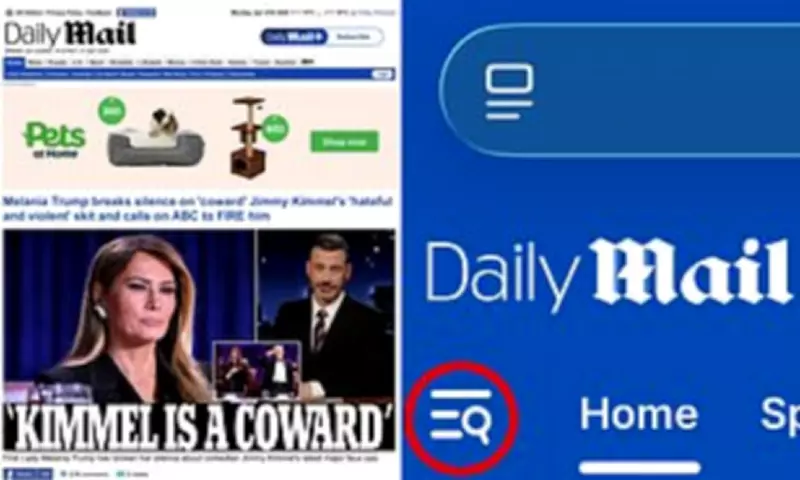
Some readers have recently lost access to the classic desktop view of the Daily Mail homepage when browsing on their mobile phones. This change occurred due to the transition to DailyMail.com.
Steps to Restore Classic Desktop View
To get the classic desktop view back, follow these simple steps:
- From the Daily Mail mobile homepage, select the menu icon in the top left corner.
- Scroll to the bottom of the menu.
- Click on "Desktop site".
Step one: Click on the menu icon in the top left of the Daily Mail homepage on your mobile phone's web browser. Step two: Scroll to the very bottom of the menu. Step three: Click on where it says "Desktop site". And then you can enjoy the homepage's classic desktop view on your mobile phone again.

—