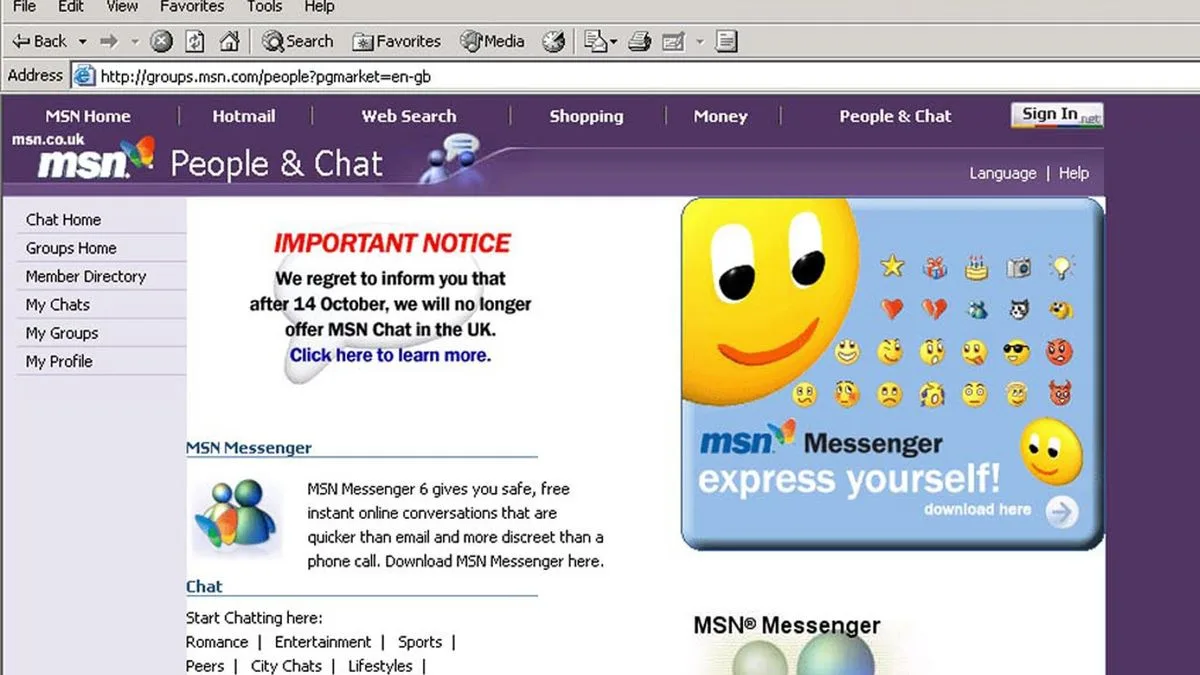
For those who grew up in the 2000s, MSN Messenger was more than just a messaging platform—it was a digital lifeline to friends before the era of social media dominance. Now, a wave of nostalgia has swept across the internet as users realise their old chat logs might still be accessible, offering a glimpse into teenage conversations from decades past.
The Quest to Recover Digital Memories
MSN Messenger, which later evolved into Windows Live Messenger, was a pioneering service that allowed users to exchange messages, engage in video calls, and play games online without any cost. Its popularity soared among teenagers, who would often rush home from school to log on and chat. Recently, a Reddit user sparked interest by asking whether it was possible to access these old chat logs, describing how they had hundreds of XML files dating from 2004 to 2011, some as large as 8MB.
The user expressed a desire to read through these files without the clutter of HTML-style formatting, seeking a neat solution to view messages clearly with details like sender, recipient, and timestamps. Fortunately, there are several practical methods to achieve this, though they typically require access to original hardware or backups.
Three Methods to Access Your MSN Chat Logs
Option 1: Using Your Original Computer
If you still have your old computer in working condition, this is the simplest approach. Ensure you do not reinstall Windows or wipe the system, as this could erase the files. Follow these steps:
- Turn on the computer and search the hard drive for files named "My Received Files.xml" or files associated with your MSN email address.
- Once located, copy these files to a USB stick or external drive.
- Transfer them to your new computer and open the .xml files in a web browser or text editor. For a more user-friendly experience, consider using old third-party viewers designed for this purpose.
Option 2: Accessing via an Old Hard Drive
If your original computer no longer functions but you have retained the hard drive, you can still recover the logs. Here’s how:
- Carefully remove the hard drive from the old computer.
- Place it into a USB hard-drive enclosure, which can be purchased affordably from online retailers.
- Connect the enclosure to your new computer and browse the drive as you would an external storage device, searching for the same folders mentioned above.
Option 3: Alternative Recovery Methods
Recovery becomes challenging if you no longer have the original computer or hard drive. However, all hope is not lost. Consider these alternatives:
- Check for manual backups you might have created, such as files emailed to yourself or copied to another PC or storage device.
- If you still use the same email address associated with your MSN account, search your inbox for terms like "conversation history," "sent logs," or "chat attachments" to uncover any archived logs.
A User’s Ingenious Solution
After exploring various options, the Reddit user shared a clever workaround using Microsoft Word. They found that by opening the XML files in Word (specifically version 2010), they could select "MessageLog.xsl" from the "XML Document" options on the right-hand side. This transformed the display to mimic MSN’s original format, with clear columns for date, time, sender, recipient, and message content—exactly what they had been hoping for.
This discovery not only solved their personal quest but also offers a valuable tip for others embarking on similar journeys into their digital past. As technology evolves, these methods provide a bridge to cherished memories, reminding us of the simple joys of early online communication.