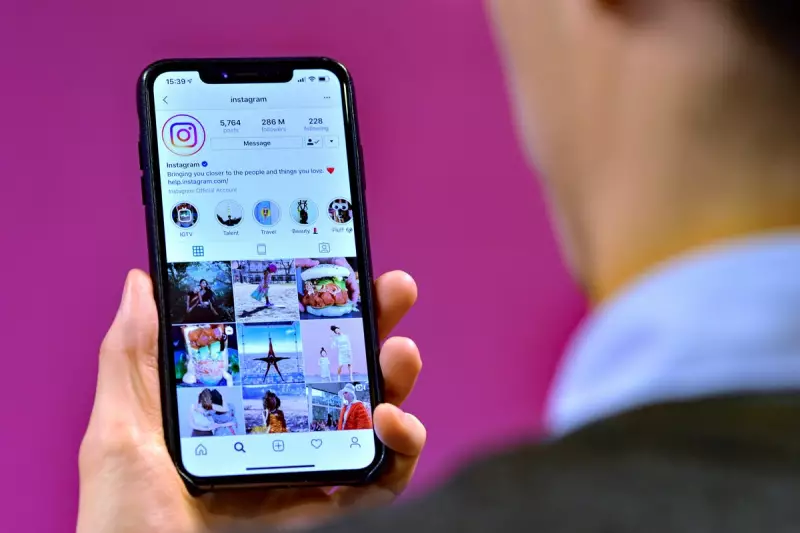
Instagram users across the globe are being urged to exercise extreme caution following a widespread surge in suspicious password reset emails. Cybersecurity specialists have issued urgent warnings, labelling the campaign a potential phishing attack designed to steal login credentials.
What's Happening and How to Spot the Fakes
Thousands of users have reported receiving unexpected emails prompting them to reset their Instagram password. These messages often look convincing, but security experts stress that clicking on any links within them could hand over your account details to criminals.
The platform itself has provided a crucial way to verify an email's authenticity. Official Instagram password reset communications will only ever come from an email address ending in '@mail.instagram.com'. Any reset email claiming to be from Instagram but using a different domain is almost certainly a scam.

Link to a Major Data Breach
This alarming wave of phishing attempts is believed to be connected to a significant data security incident. Earlier this year, details linked to approximately 17.5 million Instagram accounts were leaked and posted online. It is thought that cybercriminals are using this stolen data to launch targeted attacks, knowing which email addresses are associated with active accounts.
Essential Steps to Secure Your Account
In response to the threat, Instagram and cybersecurity professionals are recommending users take immediate action to bolster their account defences. The most critical steps are:
- Enable Two-Factor Authentication (2FA): This adds an extra layer of security beyond your password, typically requiring a code sent to your phone when logging in from a new device.
- Use a Unique, Strong Password: Avoid reusing passwords across different sites. Create a long, complex password for your Instagram account that is not used anywhere else.
- Secure Your Email Account: Since your email is the gateway to resetting most online accounts, ensure it also has a strong, unique password and 2FA enabled.
If you receive one of these suspicious emails, do not interact with it. Simply delete it. If you are concerned about your account security, navigate directly to the Instagram app or website yourself—never via a link in an email—to check your settings and initiate a password change if needed.