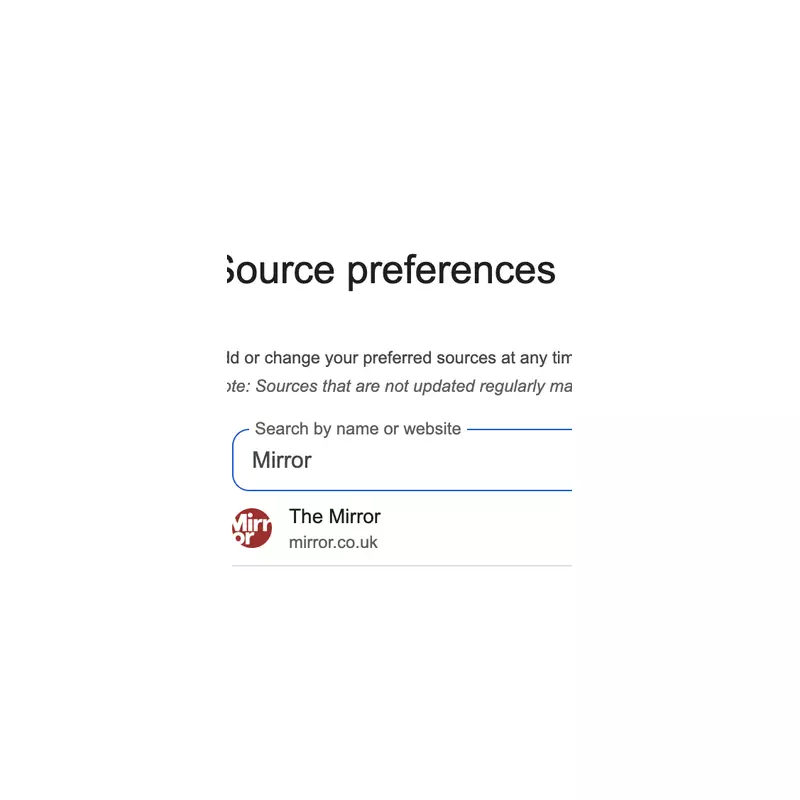
Readers who want to ensure they never miss a major exclusive or breaking story from The Mirror can now take a simple step to tailor their Google news feed. By setting The Mirror as a preferred source on Google Search and Discover, users will see more of the publication's top-tier content straight away.
Your Step-by-Step Guide to Adding The Mirror
The process is designed to be quick and straightforward. To add The Mirror as your preferred source, you can either click a direct link provided by the publisher or follow a manual four-step method.
First, open Google in either the Chrome browser or the dedicated Google app. Search for any current news topic, such as 'Coronation Street'. Next, look for and click on the small icon situated to the right of the 'Top Stories' section. When prompted, type 'The Mirror' into the search bar and select it from the list to set it as a preferred source.

Once completed, simply refresh your browser. You should then start noticing more exclusive and leading content from The Mirror appearing in your Google news results.
Expanding Your News Horizon with Trusted Sources
A common question is whether you can add more than one site. The answer is a definitive yes. Users can select as many preferred sources as they wish, with studies indicating that over half of users choose four or more.
The Mirror suggests also adding some of its sister titles from the Reach plc portfolio to create a comprehensive news feed. Recommended outlets include OK! Magazine for celebrity exclusives, the award-winning Liverpool Echo, and the Manchester Evening News, which has secured 14 nominations for the upcoming 2026 Regional Press Awards.
Importantly, this customisation does not limit your feed. You will continue to see news from a wide range of other publishers. Choosing preferred sources simply means you'll see more content from those specific outlets, often highlighted in a dedicated "From your sources" section.
Troubleshooting: Can't See the Icon?
If the Preferred Sources icon isn't visible, there are a few quick checks to perform. Ensure you are signed into your Google account, as the settings are linked to your profile. Try searching for a different, highly current news topic to trigger the Top Stories box. If you're on a mobile device, check that you have the latest version of the Google app installed.
After confirming these details, return to your search and you should be able to complete the process, unlocking a more personalised stream of journalism from The Mirror and other selected trusted publishers.