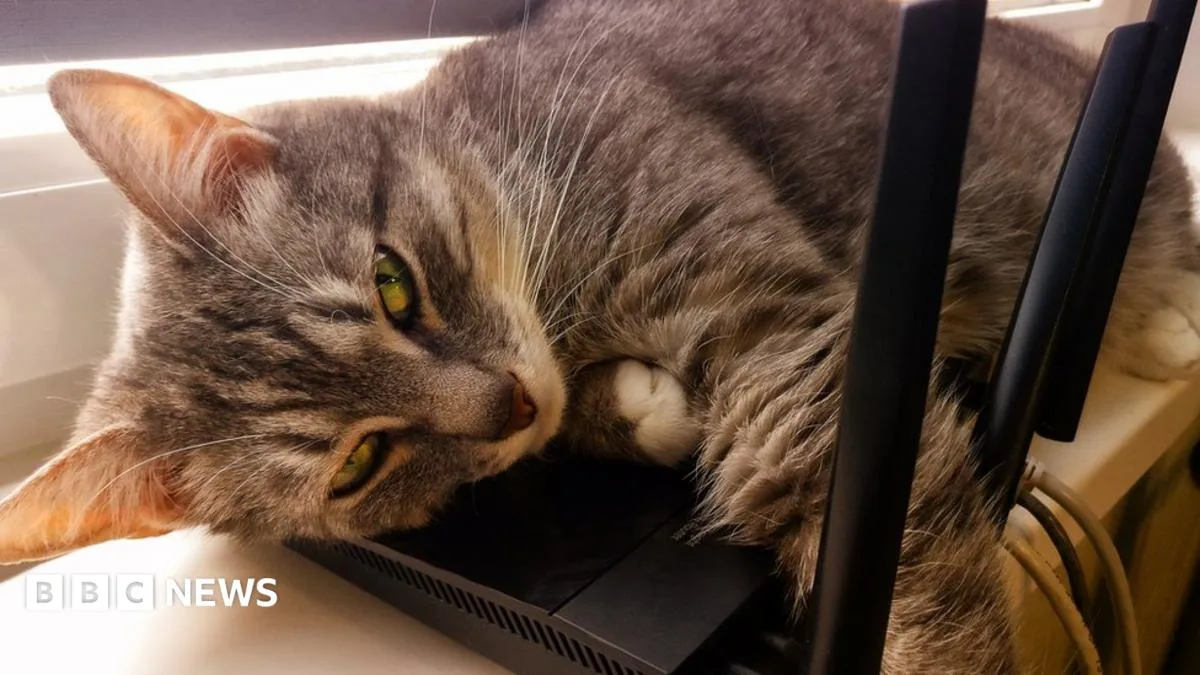
Virgin Media has issued a warning to its customers to keep their Wi-Fi routers out of direct sunlight to prevent overheating. The advice was included in a recently published page offering tips for a strong and reliable connection during the summer months.
Overheating is a common issue for electronic devices, and if a router becomes too hot, it may slow down the connection or stop working altogether, the company warned. However, a Virgin Media representative told BBC News that there is no widespread problem with hubs overheating during the current heatwave in England, and the company tests devices to ensure they work in a range of temperatures.
As electric current moves through electronic devices, it generates heat. Additional heat from sunlight and warm surrounding air increases the risk of overheating. Catherine Hiley, broadband expert at Uswitch.com, said: 'Just like laptops, phones and games consoles, routers require ventilation to get rid of excess heat. Therefore, you should avoid placing them in or near direct sunlight.' She also suggested using a fan to keep the router cool by placing it in the path of moving air.

ISP Review noted that routers can typically cope with temperatures near 40°C, so if kept in the shade, a UK heatwave should not normally pose a problem. However, the warmth of routers can attract pets, and Virgin Media advises against allowing pets to rest on top of the router. The company recommends keeping routers in a cool but not enclosed place.