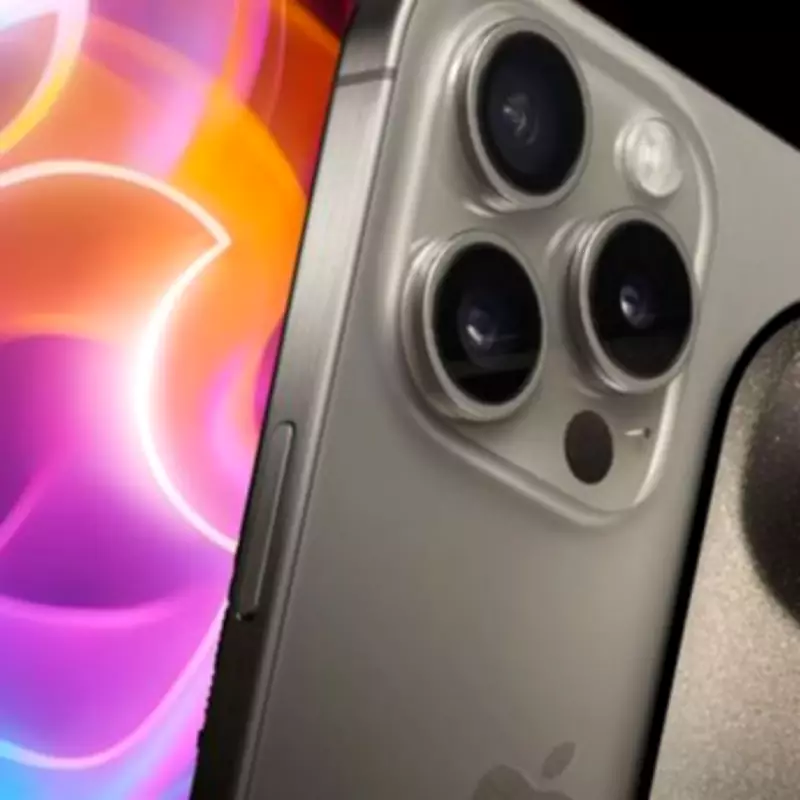
Apple has issued an urgent call to action for all iPhone users, urging them to install the newly released iOS 26.3 update without delay. The technology giant has confirmed that this latest version of its operating system includes what it describes as "important bug fixes and security updates," specifically designed to address a significant number of vulnerabilities.
Critical Security Patches for iPhone Users
The iOS 26.3 update resolves a total of 39 distinct security flaws, with one particular vulnerability standing out due to its severity. This flaw has been classified as a zero-day threat, indicating that cybercriminals may have already discovered the weakness and could be actively exploiting it in real-world attacks. Apple has acknowledged this risk in a statement on its official support page, noting that the issue may have been leveraged in highly sophisticated attacks targeting specific individuals using earlier versions of iOS.
Why This Update Is So Important
While keeping your smartphone's software up to date is always recommended as a standard security practice, this particular release carries heightened importance. The presence of a zero-day vulnerability means that malicious actors potentially have a window of opportunity to compromise devices that have not yet been patched. By installing iOS 26.3, users can close this security gap and protect their personal data, communications, and device integrity from potential exploitation.

How to Install the iOS 26.3 Update
To ensure your iPhone is running the latest and most secure version of the operating system, follow these straightforward steps:
- Open the Settings application on your iPhone.
- Navigate to General and then select Software Update.
- If available, you should see iOS 26.3 listed as an option for download and installation.
It is advisable to perform this update while connected to a stable Wi-Fi network to avoid excessive data usage. Additionally, remember that the installation process will require your device to restart, so plan accordingly if you are expecting important calls or messages.
Apple's proactive release of iOS 26.3 underscores the company's commitment to user security in an increasingly complex digital landscape. All iPhone owners are strongly encouraged to apply this update promptly to safeguard their devices against emerging threats.