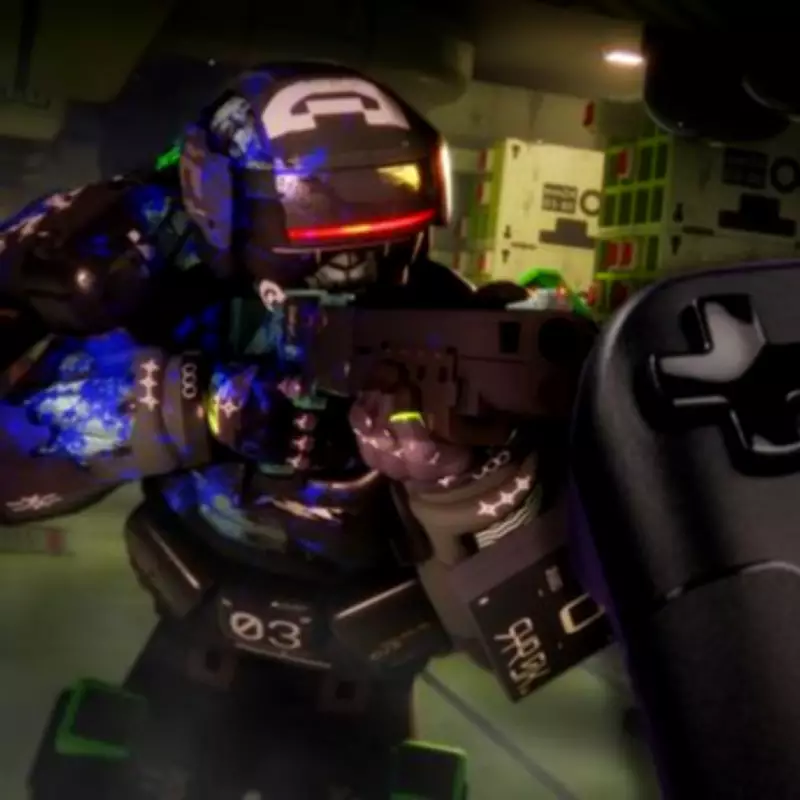
In a disappointing turn for handheld gaming enthusiasts, Bungie has officially confirmed that its upcoming extraction shooter, Marathon, will not support the Steam Deck in its default configuration. This decision stems from the game's reliance on the BattlEye anti-cheat system, which is incompatible with the Linux-based SteamOS that powers Valve's portable device.
Why Marathon Won't Run on Steam Deck Out of the Box
Marathon, set to launch on March 5, 2026, is an eagerly anticipated title that transports players to the alien world of Tau Ceti IV. As 'Shells' with uploaded human consciousness, gamers must explore and extract loot in a high-stakes environment reminiscent of games like ARC Raiders but with a sci-fi twist. While its system requirements appear modest, the inclusion of BattlEye anti-cheat creates a significant barrier for Steam Deck owners.
BattlEye is a widely used anti-cheat solution designed to prevent exploits and maintain fair play in online games. Although it technically supports Linux, developers often opt to block Linux-based systems, including SteamOS, from accessing games that utilize it. This practice is not unique to Marathon; other popular titles like Destiny 2, Fortnite, Rainbow Six Siege, and Grand Theft Auto Online also employ BattlEye and are similarly incompatible with the Steam Deck without modifications.

The Workaround: Installing Windows 11 on Steam Deck
For determined players, there is a potential solution: installing Windows 11 on the Steam Deck. By replacing SteamOS with Microsoft's operating system, users can bypass the BattlEye restrictions and gain access to Marathon and other blocked games. However, this workaround comes with notable drawbacks.
Many users report that Windows 11 tends to deliver lower performance on the Steam Deck compared to SteamOS. This is largely due to the increased number of background processes running on Windows, which can consume system resources and impact gaming smoothness. Additionally, Windows 11 is not optimized for handheld use, making navigation with a controller or touchscreen cumbersome and less intuitive.
Weighing the Pros and Cons for Handheld Gamers
The decision to install Windows 11 on a Steam Deck ultimately rests with individual gamers. While it unlocks access to Marathon and a broader library of titles, the trade-offs in performance and usability are significant. Players must consider whether the ability to play Bungie's latest shooter on the go justifies the potential headaches associated with running an unsupported operating system on their device.
As an alternative, remote play options may offer a way to experience Marathon on the Steam Deck without altering its software, though this depends on network stability and may not provide the same seamless handheld experience. With a free server slam scheduled from February 26 to March 2, players have a brief window to test the game on compatible platforms before its full release.
This development highlights ongoing challenges in the gaming industry regarding anti-cheat compatibility and handheld device support, leaving Steam Deck owners to navigate complex choices to enjoy the latest titles.